Stop setting up emulators. Start playing.

RetroHub turns your games folder into a library with cover art and runs the games right in a browser tab. There is no separate emulator to install and configure for each console.

  • Runs on your own computer
  • Built for Chrome and Edge
  • Your files never leave your PC
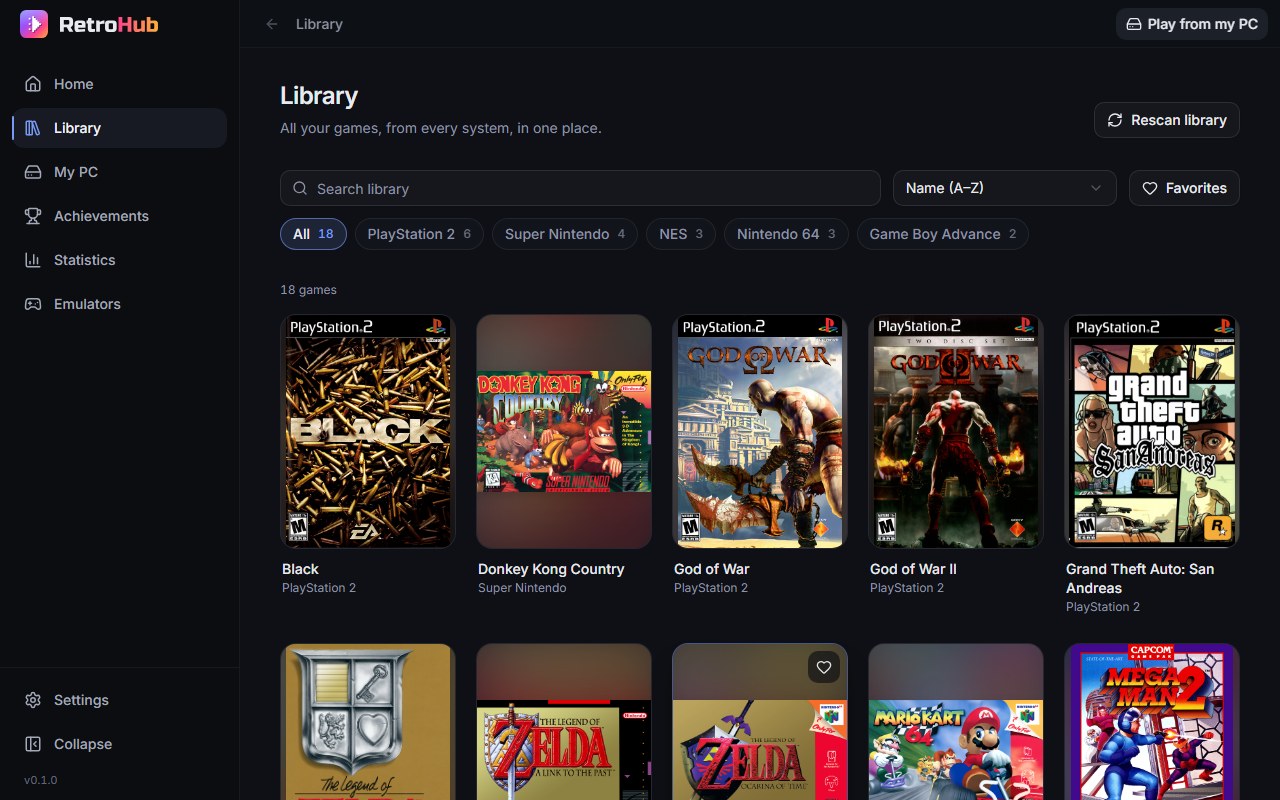
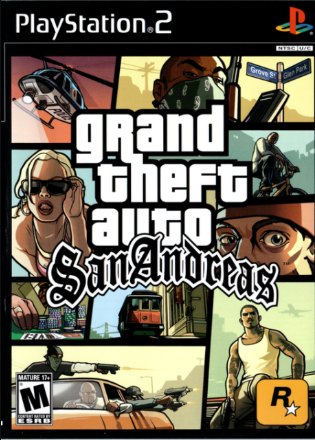
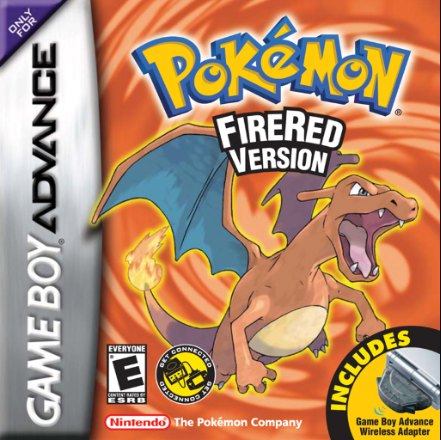
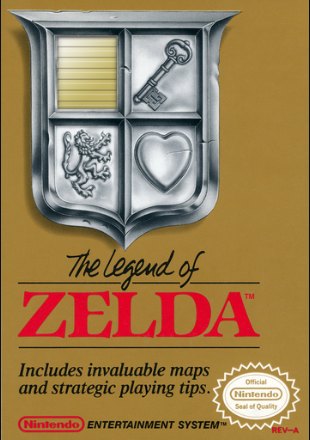
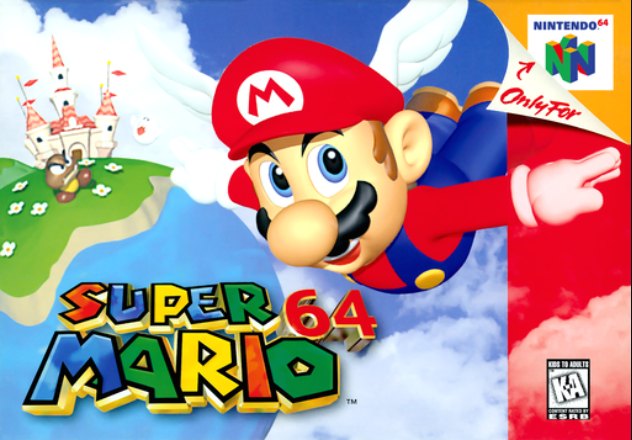
The RetroHub library: box art for PlayStation 2, Super Nintendo, NES, Nintendo 64 and Game Boy Advance games, with a search box and one filter chip per console

The games you grew up with, back on your screen.

Your own copies, with their box art, in one library. RetroHub does not include any game.

Nintendo classics, in the browser NES · Super Nintendo · Nintendo 64 · Game Boy Advance

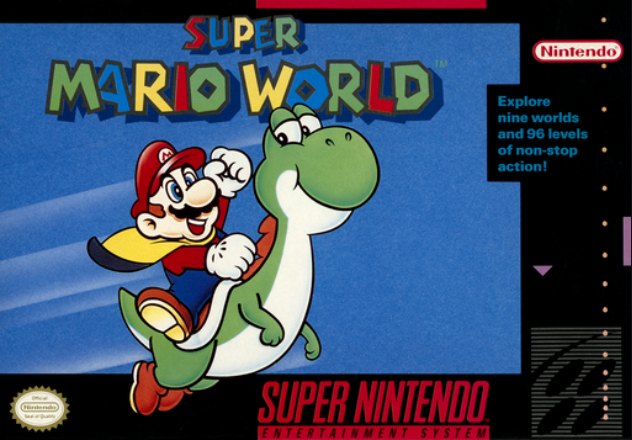
  • Super Mario World
  • The Legend of Zelda
  • Super Mario 64
  • Pokémon FireRed
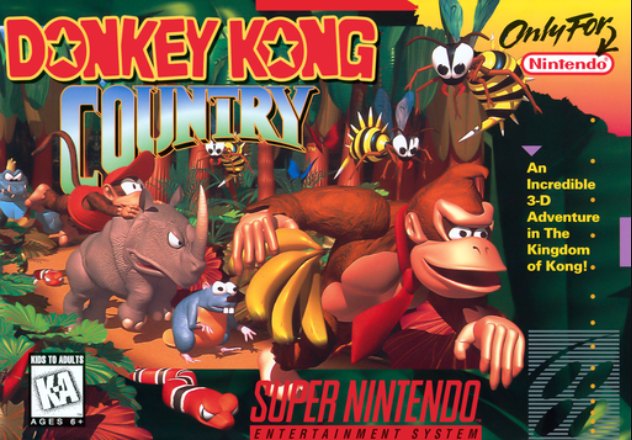
  • Donkey Kong Country
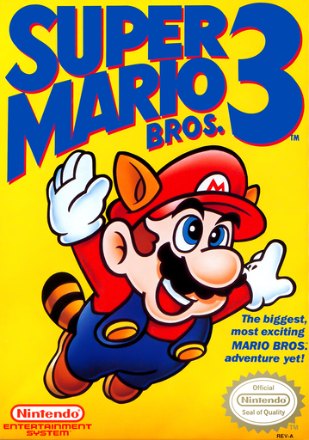
  • Super Mario Bros. 3
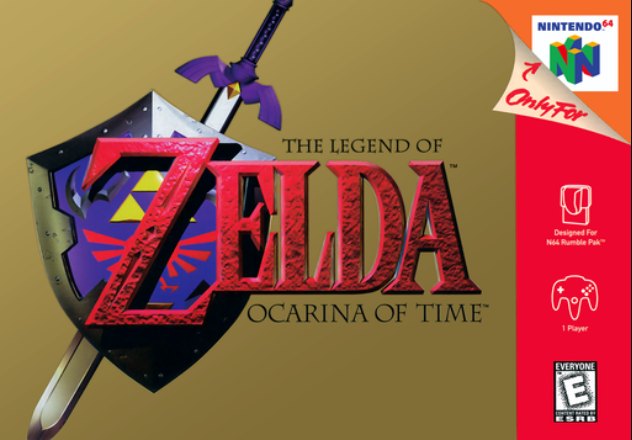
  • The Legend of Zelda: Ocarina of Time
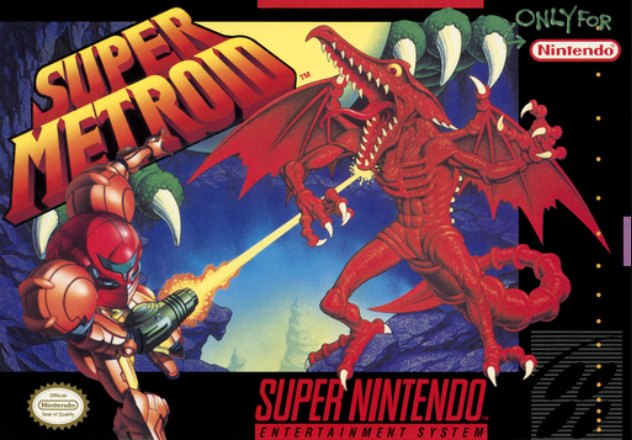
  • Super Metroid
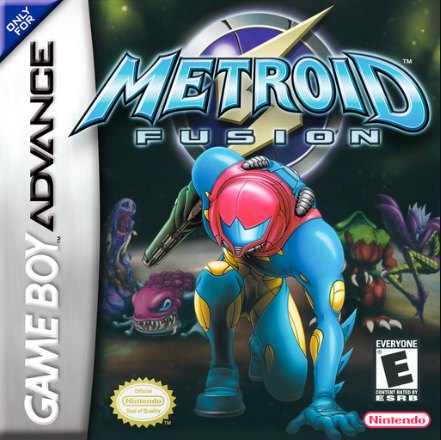
  • Metroid Fusion
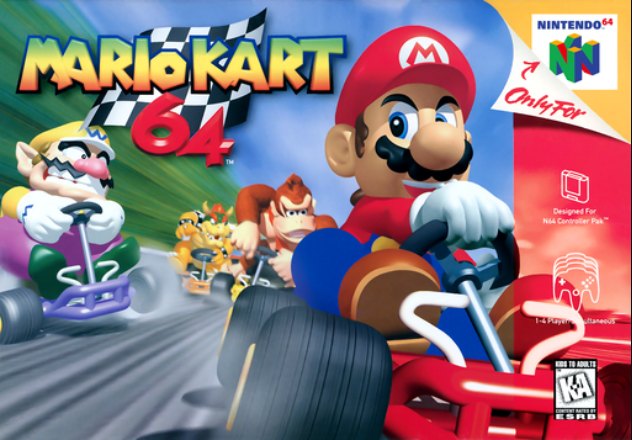
  • Mario Kart 64
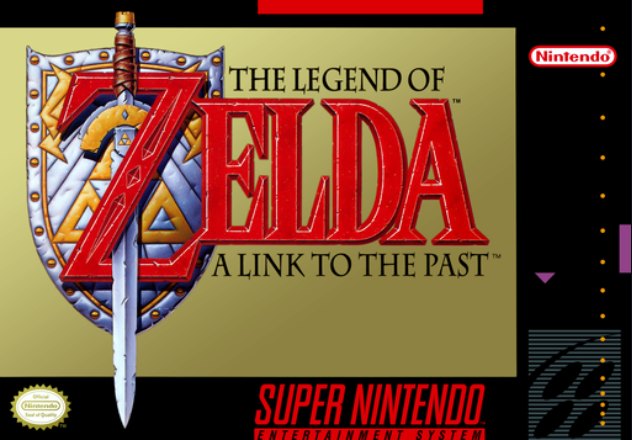
  • The Legend of Zelda: A Link to the Past
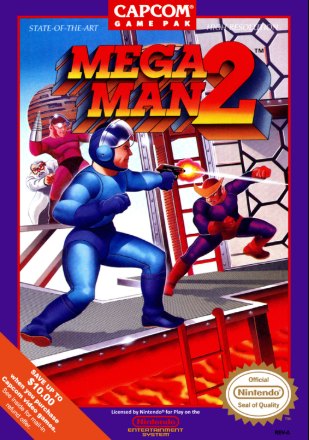
  • Mega Man 2

PlayStation 2, on your own emulator RetroHub opens the game in the emulator installed on your PC

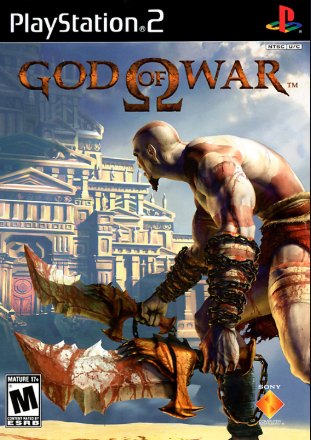
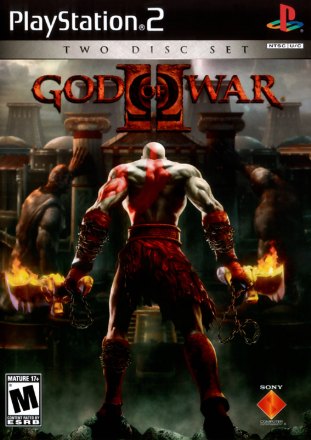
  • God of War
  • Grand Theft Auto: San Andreas
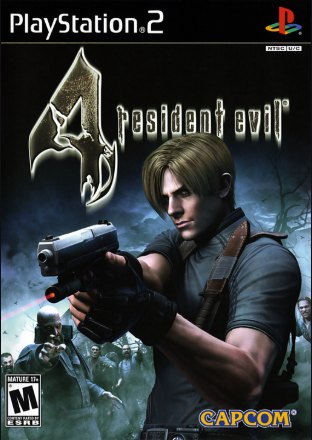
  • Resident Evil 4
  • God of War II
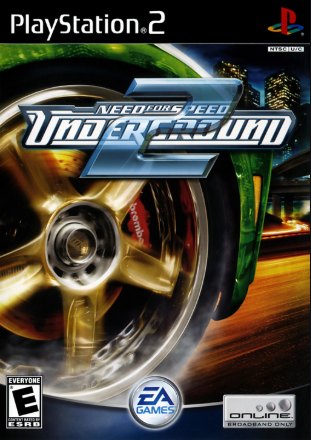
  • Need for Speed: Underground 2
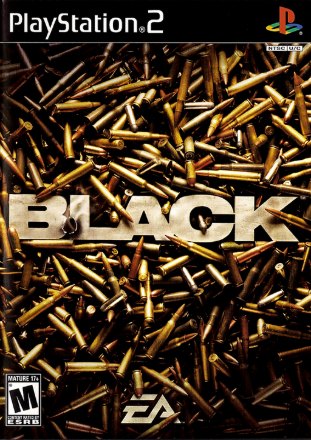
  • Black

Playing a classic should not take an afternoon of setup.

  • One emulator per console

    A different program, a different settings screen and a different controller setup for every system you want to play.

  • A folder full of file names

    Dozens of files with names like Legend of Zelda, The (USA).sfc. Finding the game you feel like playing means reading through all of them.

  • Lost in menus before the title screen

    Cores, video drivers, key bindings. By the time everything works, the urge to play is gone.

Play

Click a cover. The game starts.

Arcade, 8-bit, 16-bit and 32-bit games run inside the browser tab. The emulator is already there, so there is nothing to choose or configure.

  • USB and Bluetooth controllers work as soon as you press a button
  • Save states, fullscreen and key remapping in the player menu
  • Play time and recently played games are kept for you
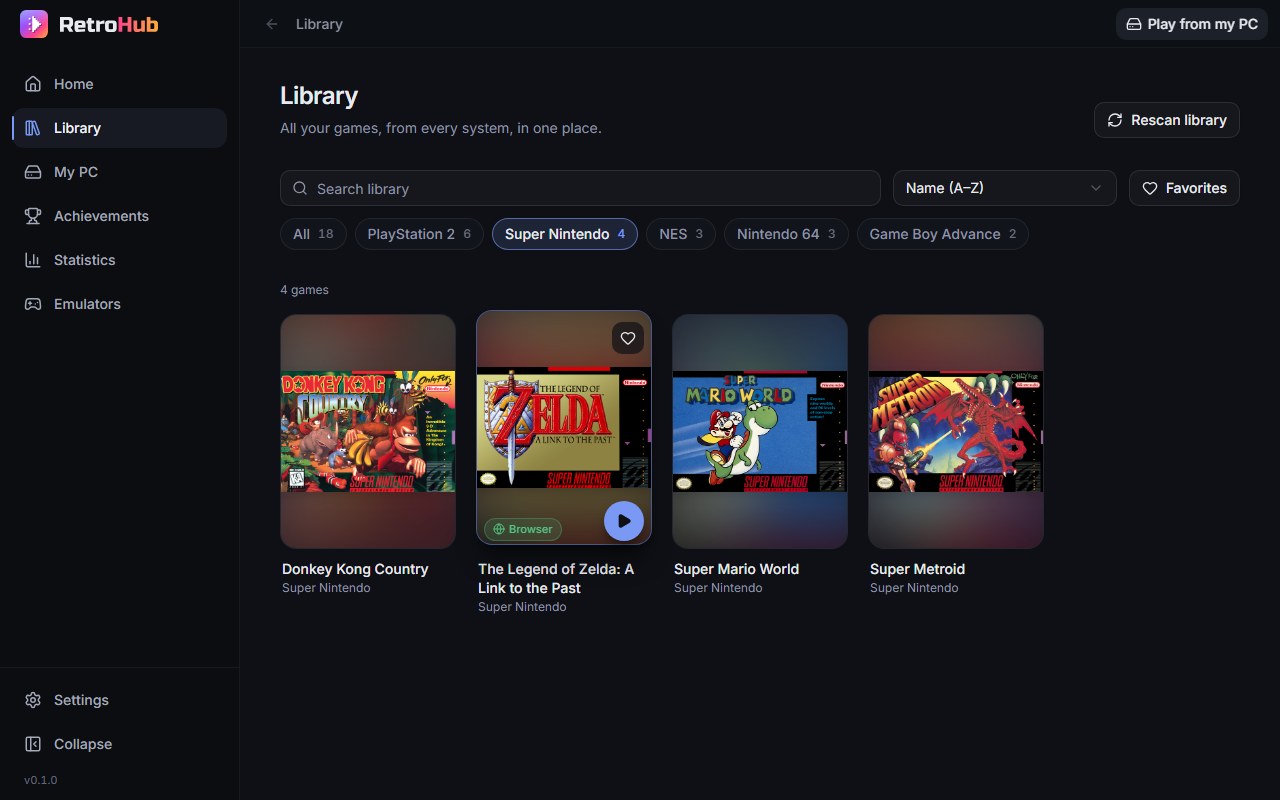
Super Nintendo games in the RetroHub library; the cover under the pointer shows a play button and a badge saying it runs in the browser

Organize

A library that looks like a collection.

Point RetroHub at a games folder with one subfolder per console and it builds the library for you. If the folder already has a game list with names and box art, they come along.

  • Search, favorites and one-click filters per console
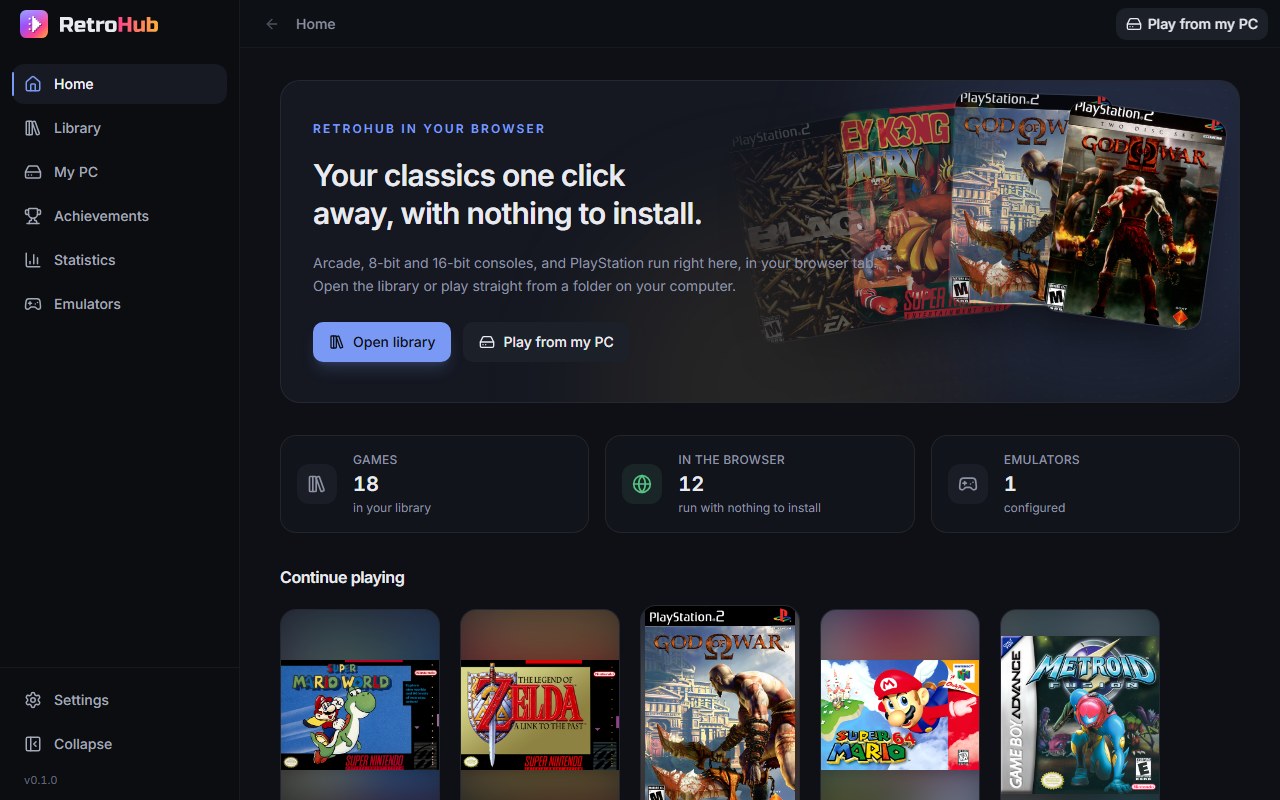
  • Continue playing shelf on the home screen
  • New files show up when you rescan, nothing is ever overwritten
The RetroHub home screen with a fan of game covers, collection totals and a Continue playing shelf

Stay in control

Your files stay on your computer.

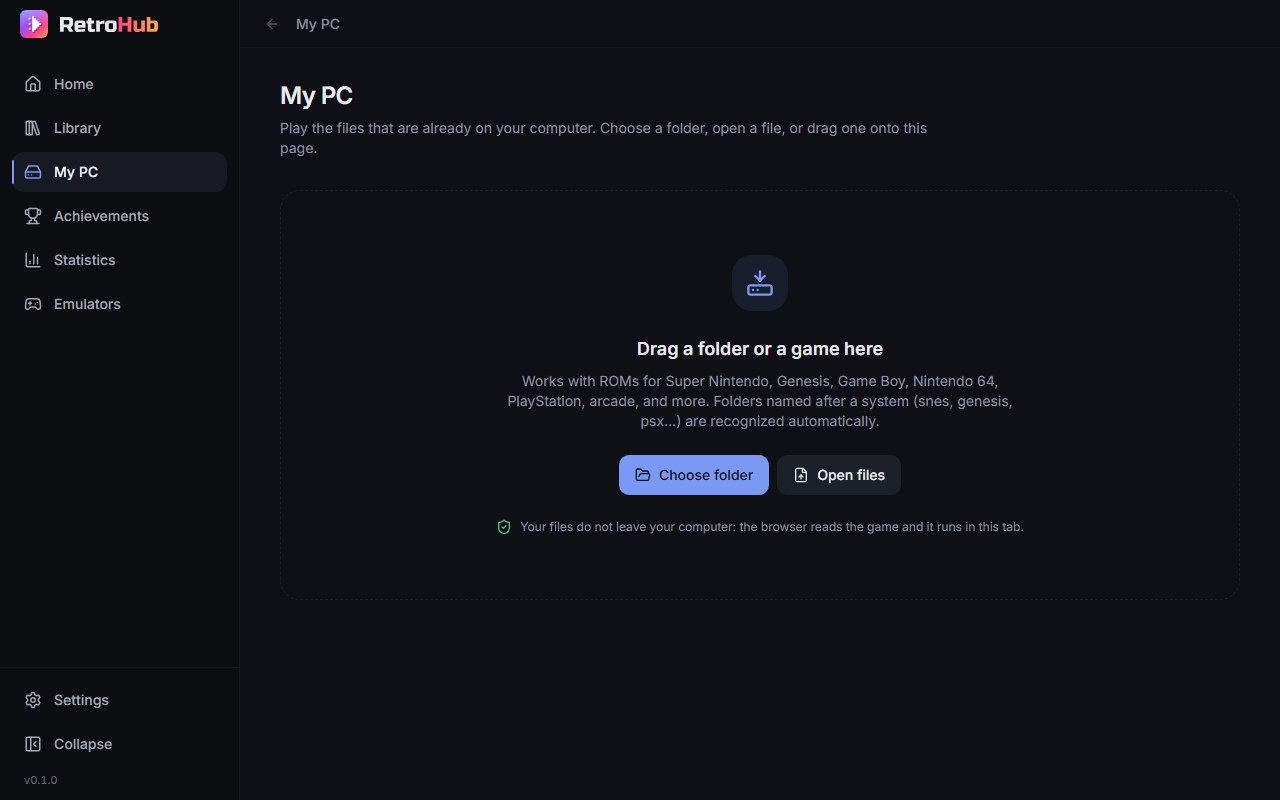
RetroHub reads games straight from your disk. Drop a folder or a single file on the My PC page and it plays in that same tab.

  • Nothing is uploaded, copied, moved or changed
  • No account and no cloud: it all runs locally
  • Chrome and Edge remember the folders you picked
The My PC page, inviting you to drop a folder or a game file, with Choose folder and Open files buttons

What it plays

In the browser, with nothing else to install

  • NES
  • Super Nintendo
  • Nintendo 64
  • Game Boy
  • Game Boy Color
  • Game Boy Advance
  • Nintendo DS
  • PlayStation
  • Genesis / Mega Drive
  • Master System
  • Game Gear
  • TurboGrafx-16 / PC Engine
  • Atari 2600
  • Arcade

PlayStation, Nintendo 64 and Nintendo DS are heavier to emulate and need a recent computer.

Through the emulator on your PC

  • PlayStation 2

RetroHub opens the game in PCSX2 for you, fullscreen. GameCube and Wii games appear in the library, but launching them is not available yet.

From folder to title screen in three steps.

  1. Start RetroHub

    Double-click the launcher. RetroHub starts on your computer and opens in your browser.

  2. Show it your games

    Use a folder with one subfolder per console, or drop any folder or file on the My PC page.

  3. Play

    Click a cover. Next time, your recent games are waiting on the home screen.

Questions people ask before buying

Does RetroHub come with games?

No. RetroHub does not include, download or link to any game or console firmware. You use the files you own, and you are responsible for them.

Do I still need to install emulators?

Not for the systems that run in the browser: their emulator cores are downloaded once, during setup. PlayStation 2 games use PCSX2, which you install yourself.

What do I need to run it?

A 64-bit Windows 10 or 11 computer and Chrome or Edge. There is nothing else to install: RetroHub comes as a folder you extract and start with a double click.

Does it need an internet connection?

Only for the first setup, which downloads the player and the emulator cores. After that, RetroHub runs on your computer with no connection at all.

Where are my saves kept?

In your browser, on your computer. The player keeps in-game saves and save states per game, and its menu lets you export and import them as files.

Does it work with a controller?

Yes. Controllers your browser recognizes over USB or Bluetooth work as soon as you press a button, and every key and button can be remapped in the player menu. The keyboard works too.

Your collection, one click from the title screen.

  • Library with cover art, search, favorites and filters
  • Browser player for 14 systems
  • Play from any folder on your PC
  • PlayStation 2 through the emulator on your PC
  • Runs locally: no account, no cloud

RetroHub

Available soon

Games are not part of the price. RetroHub Online may become a subscription in the future: see the terms.